

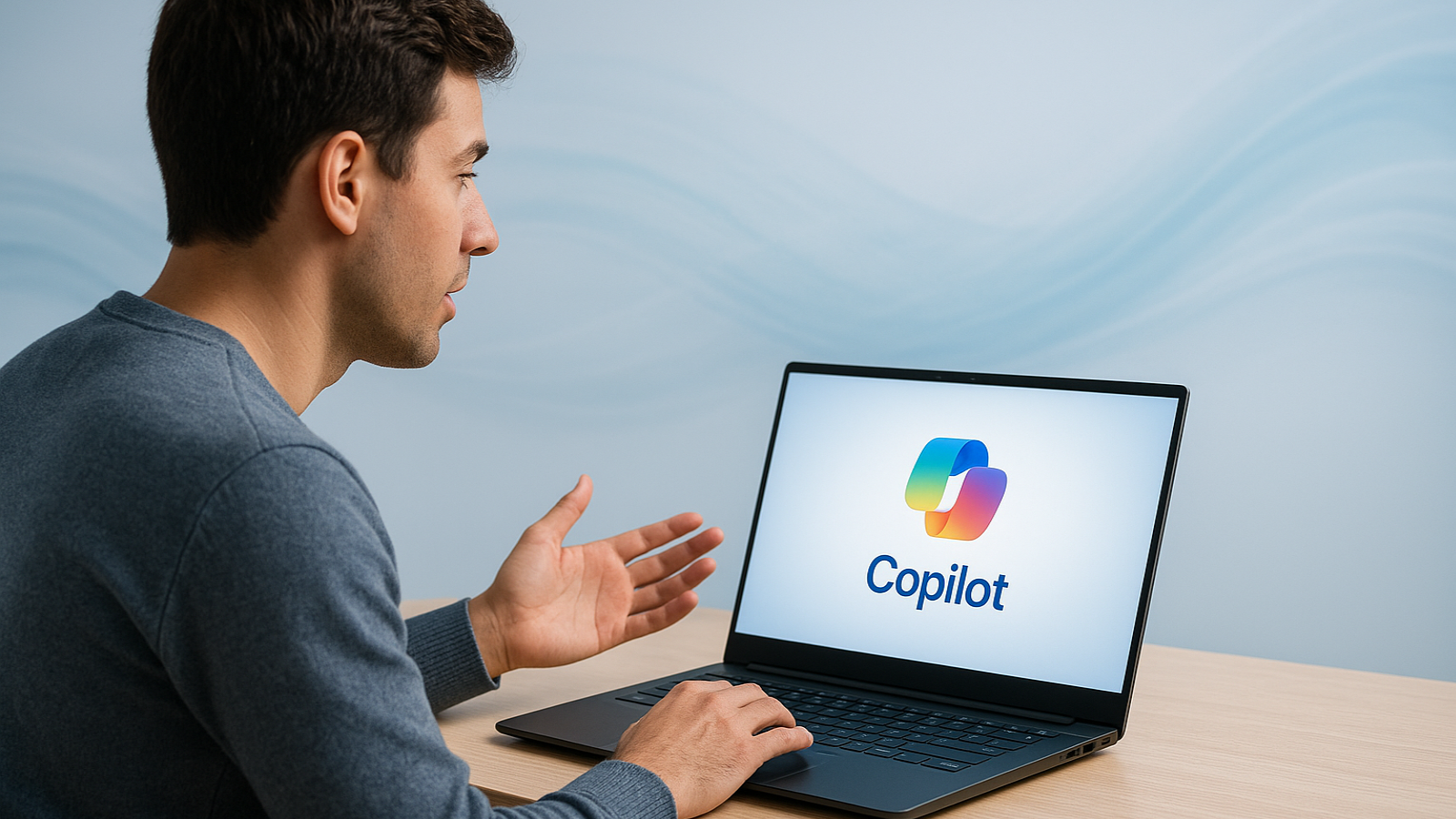
A New Way to Use Your Computer
Microsoft is rolling out a major update to Windows 11 that turns your PC into something you can talk to and control with AI.
The company’s digital assistant, Copilot, is evolving into a smarter system that listens, understands, and acts. You’ll soon be able to say things like, “Hey Copilot, open my photos,” or “Summarize this email,” and it’ll handle it instantly — no clicks or menus needed.
This update aims to make your computer feel more like a helpful assistant than a tool.
What’s Changing
Here are the main new features coming to Windows 11:
- Copilot Voice: Lets you talk to your PC naturally instead of typing.
- Copilot Vision: The AI can “see” your screen and understand context to help you faster.
- Copilot Actions: Allows the AI to perform real tasks — like adjusting settings, organizing files, or sending messages.
With these tools, Microsoft wants you to interact with Windows using simple conversation, not complex commands.
Why It Matters
Microsoft has tried voice assistants before, like Cortana, but this time the technology is far more advanced. Modern AI models can understand context, handle multitasking, and take action safely.
The best part? You won’t need a brand-new “AI PC” to use it. These features are rolling out to regular Windows 11 systems through updates.
Things to Keep in Mind
Handing control to AI brings some privacy and safety questions. The system may need permission to access apps, files, or screen data. Microsoft says you’ll have full control over these permissions, but it’s still something users should watch closely.
It may also take time to get comfortable speaking to your computer. But as the technology improves, it could become one of the easiest ways to get things done.
The Bottom Line
Microsoft is reimagining Windows around AI. You’ll talk, it’ll listen, and it’ll act — no typing required.
It’s a big step toward a future where your computer feels less like a machine and more like a partner that understands you.