

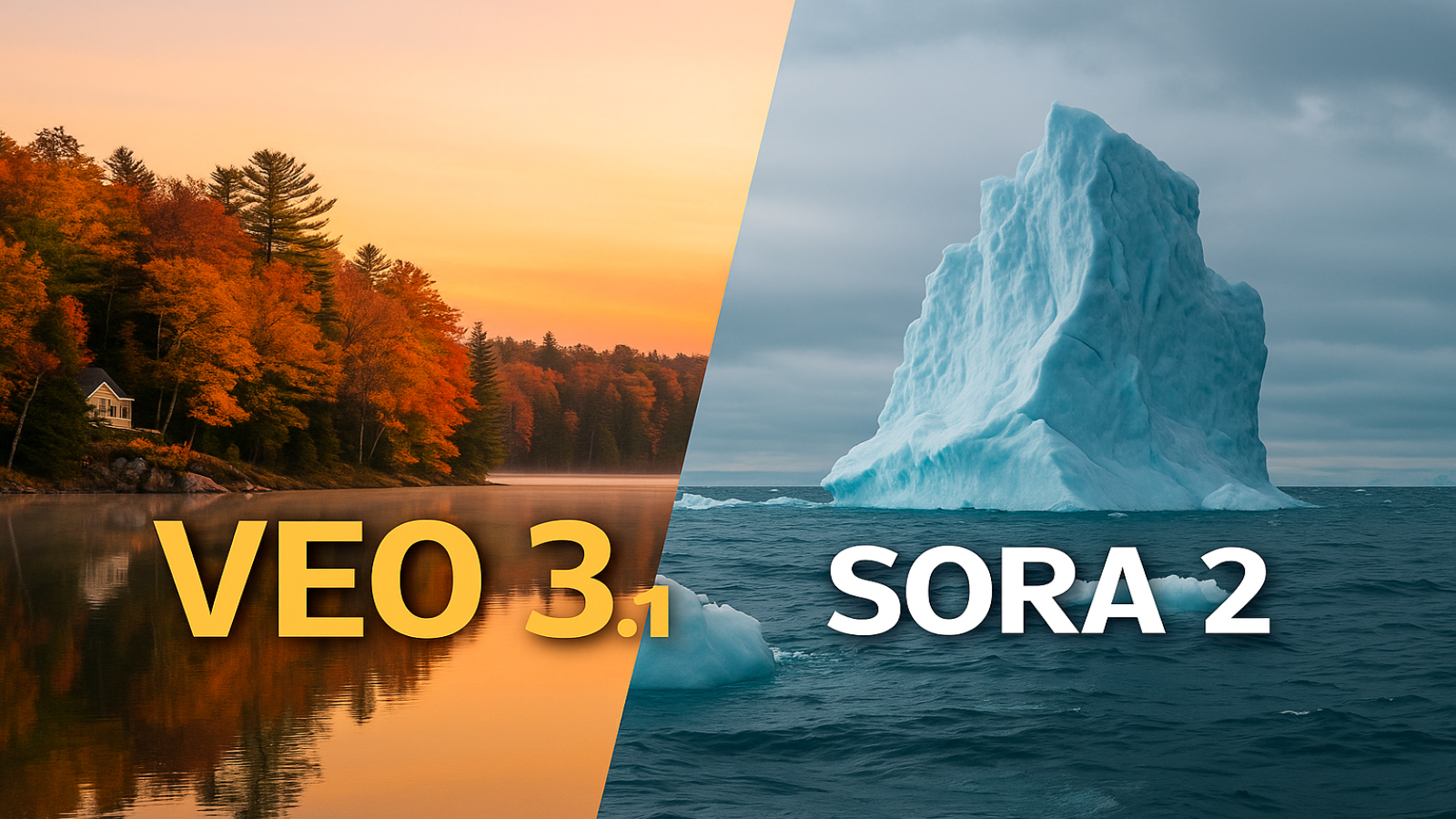
Google’s AI Video Tool Just Leveled Up
Google is taking AI video to a whole new level with Veo 3.1.
This version doesn’t just make clips — it creates full scenes that look and sound like real movies.
Veo started as Google’s text-to-video model, turning short descriptions into cinematic clips. It worked well for visuals but had limits with sound and editing. Now, Veo 3.1 changes that completely.
What’s New in Veo 3.1
Real Sound, Built In
Every scene now comes with sound. If you make a busy street, you’ll hear cars, footsteps, and background chatter — all synced with the visuals. You can even get simple dialogue and ambient effects without extra editing.
Easier Scene Control
Inside Google’s Flow app, you can now tweak scenes like a real director. Add or remove objects, move characters, or change lighting, and Veo automatically rebuilds the background to match. It even keeps your style and tone consistent across shots.
Smarter Understanding
Veo 3.1 does a better job of following your prompts. If you ask for a slow camera pan at sunset or a close-up on a character, the model actually delivers what you describe. Image-to-video results also look smoother and more natural than before.
Available Now
You can use Veo 3.1 through Gemini or Vertex AI, and it’s built directly into the Flow workspace. There’s also a faster version for quick previews or app developers.
Why It Matters
For creators, this is big news. You can now build realistic short films or social clips without editing software, sound design, or special effects tools. It’s all handled by Veo 3.1 in one go.
For developers, it means AI video can now fit into creative apps, marketing tools, or social platforms much more easily.
Of course, there are still limits. Some tools are experimental, and creating realistic video always brings concerns about deepfakes and misuse. Google says it’s working on safety and watermarking features to keep things responsible.